Explore blocks, floors and units together on the interactive model; see availability and pricing in real time, and reserve the chosen unit during the meeting.
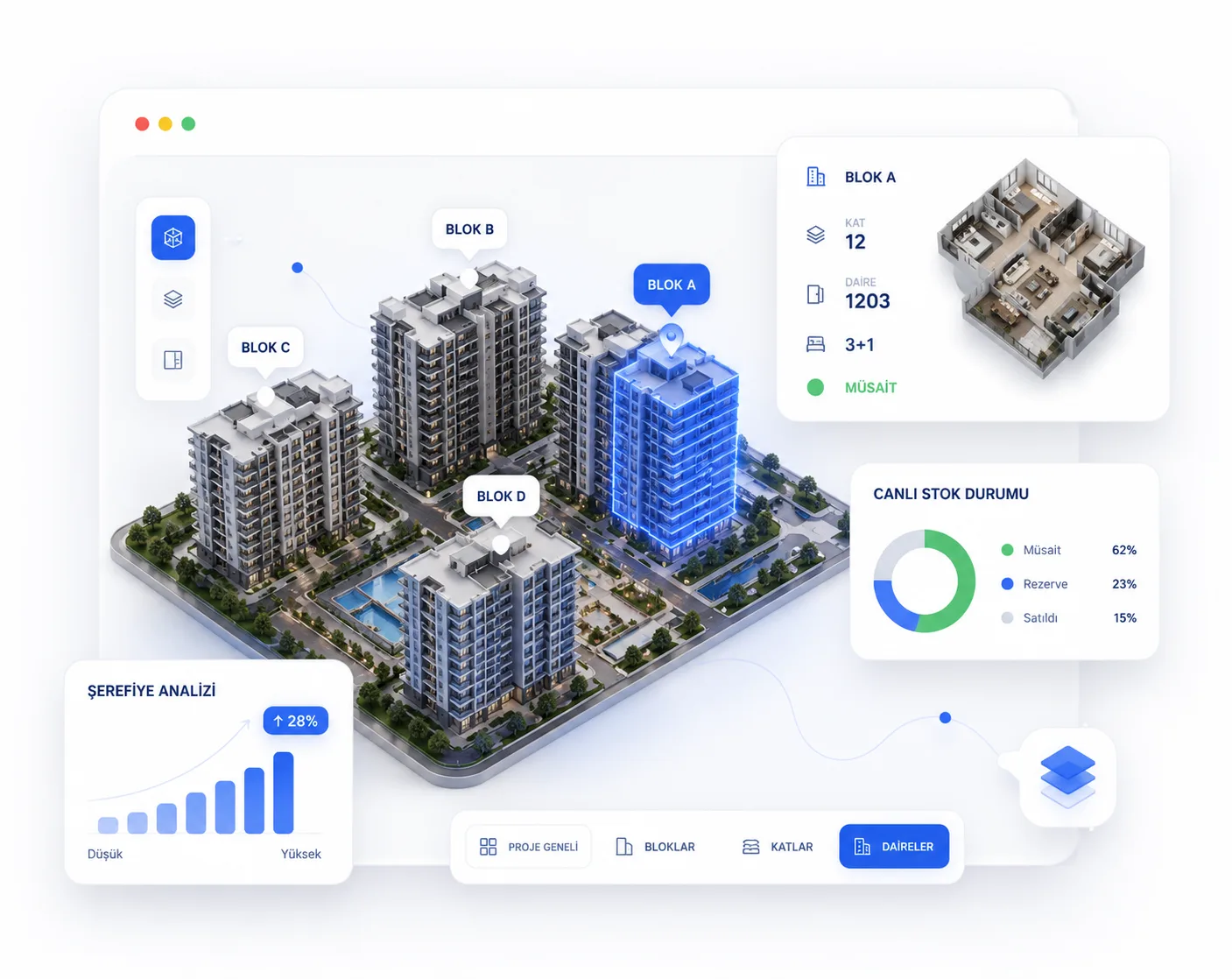
As the customer explores, stock, price and availability are live; the decision is made at the table.
Show blocks, floors and units in a 3D, explorable experience.
Available, reserved and sold units are shown in real time.
Current price is calculated instantly by facade, floor and view.
Reserve the chosen unit during the meeting and push it to the CRM.
Model, inventory and CRM run on the same data; what the customer sees is real.
Explore blocks and floors together; facade, view and floor plan visible on one screen, no explaining needed.
Stock and price in real time; put the chosen unit on option or reserve it, and the info drops into the CRM instantly.
Reach out anytime for any other questions you have.
Yes. Upload block plans, floor plans, renders and 360° visuals to build an interactive model tailored to your project.
Yes, the model and CRM inventory use the same data; when a unit's status changes, it updates instantly on both sides.
Yes, it is optimized for touch screens; use it easily on a tablet at the office, on-site or during a customer visit.
Units whose reservation window expires are automatically reopened for sale and the relevant rep is notified.
An interactive 3D model is the 3D digital model of a housing project. Unlike a physical scale model, it is explored on screen together with the customer, units are selected and live stock status is shown. You can present anywhere from a tablet, laptop or large screen.
A physical model is produced once, cannot be updated and is tied to the sales office. A virtual (digital) model is interactive: you can zoom to unit level, sales status updates in real time, it is accessible from any device, and it costs far less than a physical model.
A virtual tour walks you 360 degrees through a unit's interior, while a virtual model gives a bird's-eye view of the whole project so you can select block, floor and unit. A virtual tour answers "what is the inside like," while a virtual model answers "which unit should I choose."
An interactive 3D model improves the customer experience (the project is seen concretely), raises sales professionalism (an interactive presentation builds trust) and increases operational efficiency (live stock, automatic reservation). Firms using digital presentation tools achieve a 20-30% increase in sales conversion.
Request a demo and see every feature live.